Account & Security
Billing & subscription
How billing works at LeadJourney – plans are purchased through a secure checkout, and changes to your subscription, invoices or cancellation are handled by the LeadJourney team rather than inside the dashboard.
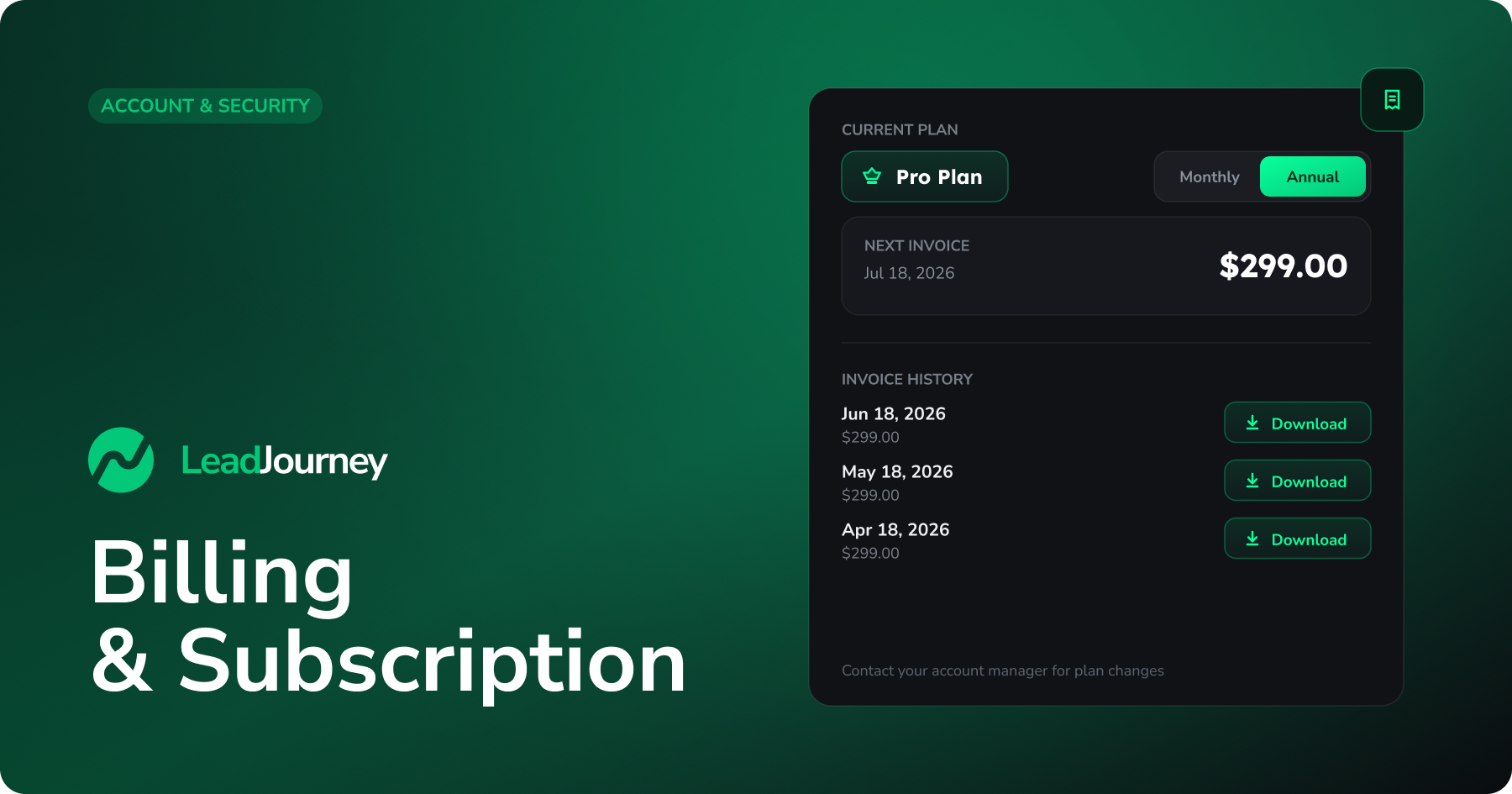
This article explains how billing works so you know where to go for anything to do with your plan, invoices or payment.
In short
There's no billing or subscription screen inside the dashboard. Your plan is set up through a secure checkout when you join, and any later change is handled by the LeadJourney team.
How you start a subscription
New plans are purchased through a secure checkout (handled by Stripe), not from within the app. On the checkout page you choose a billing cycle (monthly, quarterly or yearly – longer cycles show a saving), review any add-ons, and complete payment.
Every plan comes with a 30-day money-back guarantee – "Not satisfied? Get a full refund within 30 days, no questions asked."
After payment, you'll get a confirmation email, along with an email containing your account details so you can sign in. (If you don't see it, check your spam folder.)
Managing your plan, invoices or cancellation
Because subscription management isn't part of the dashboard, anything below is handled directly by the LeadJourney team:
- Upgrading, downgrading or changing your billing cycle
- Updating your payment method
- Getting copies of your invoices
- Cancelling your subscription
Who to contact
Reach out to your LeadJourney account manager, or use the contact details on your invoice or welcome email. They'll make the change and confirm it for you.
Related articles
Set up Two-Factor Authentication (2FA)
Add a second layer of security to your LeadJourney account with an authenticator app – enable 2FA, verify it and store your recovery codes.
Understanding your logs
The Logs tab shows the raw clicks, conversions, postbacks and cost updates behind your LeadJourney reports. Learn where to find them and the tools — filters, columns, sorting and CSV export — that work across every log.