Affiliate
Affiliate Landing Pages
Register the pages you send affiliate traffic to – money pages and pre-landers – then connect them to a campaign and split-test variants by weight to find the highest-converting page.
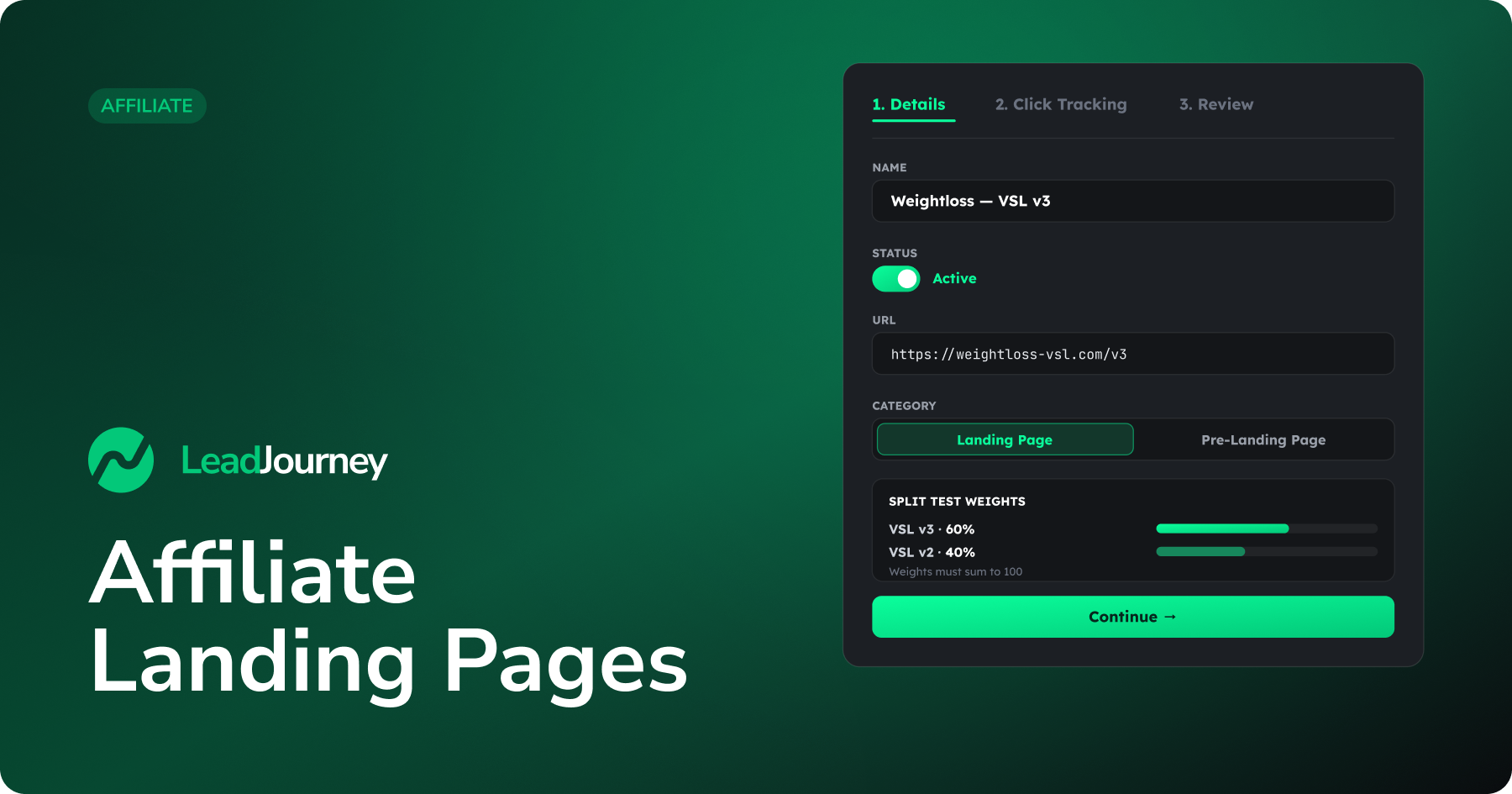
A landing page is any URL you send traffic to – a money page where the offer is sold, or a pre-lander that warms the visitor up first. Register your pages here, connect them to an affiliate campaign, and split-test several variants to find the one that converts best.
Where to find it
Open Affiliate → Landing Pages in the sidebar, or go to app.leadjourney.io/?slug=landing-pages. Click + Add Landing Page to open the wizard.
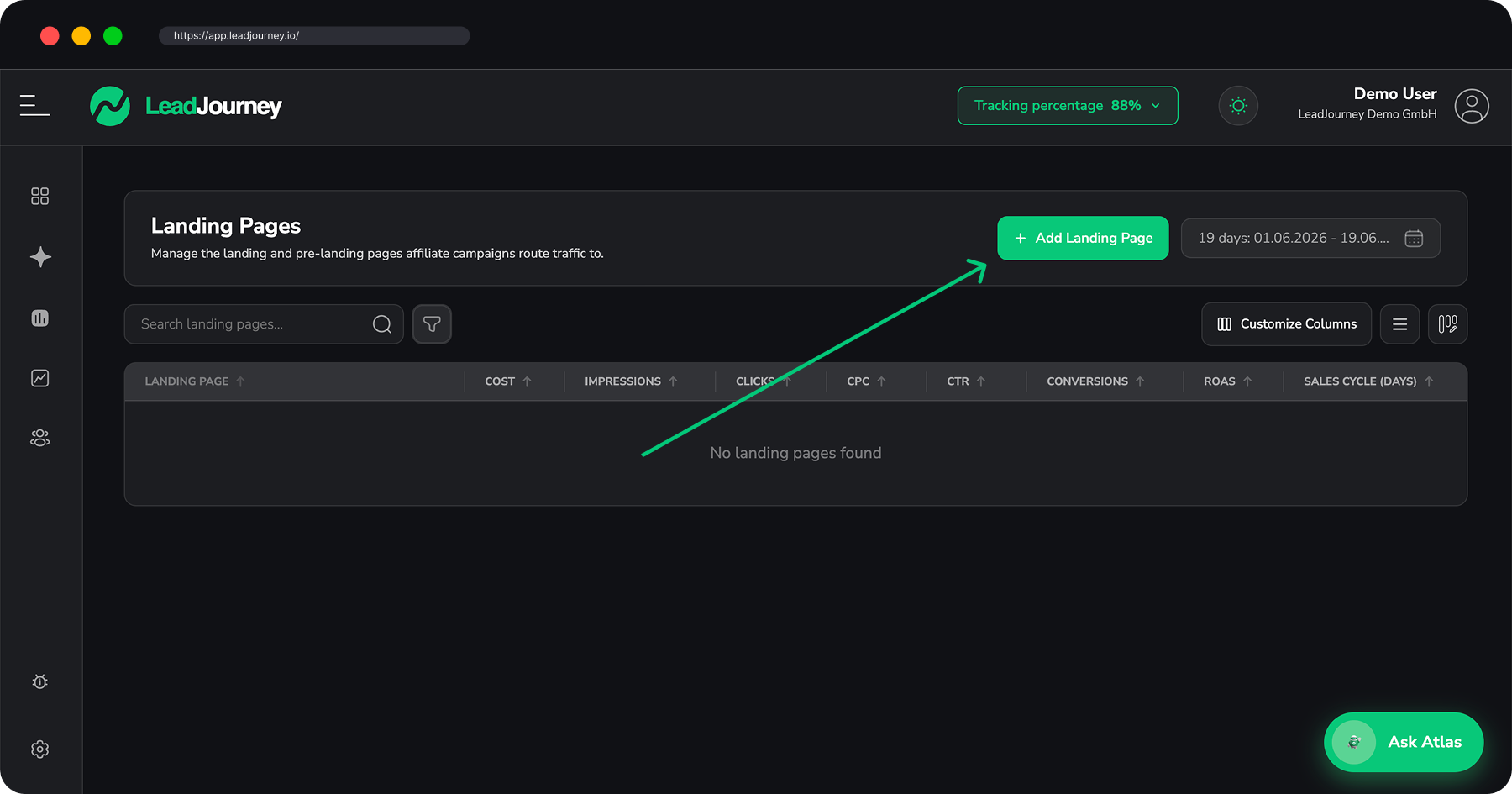
Add a landing page
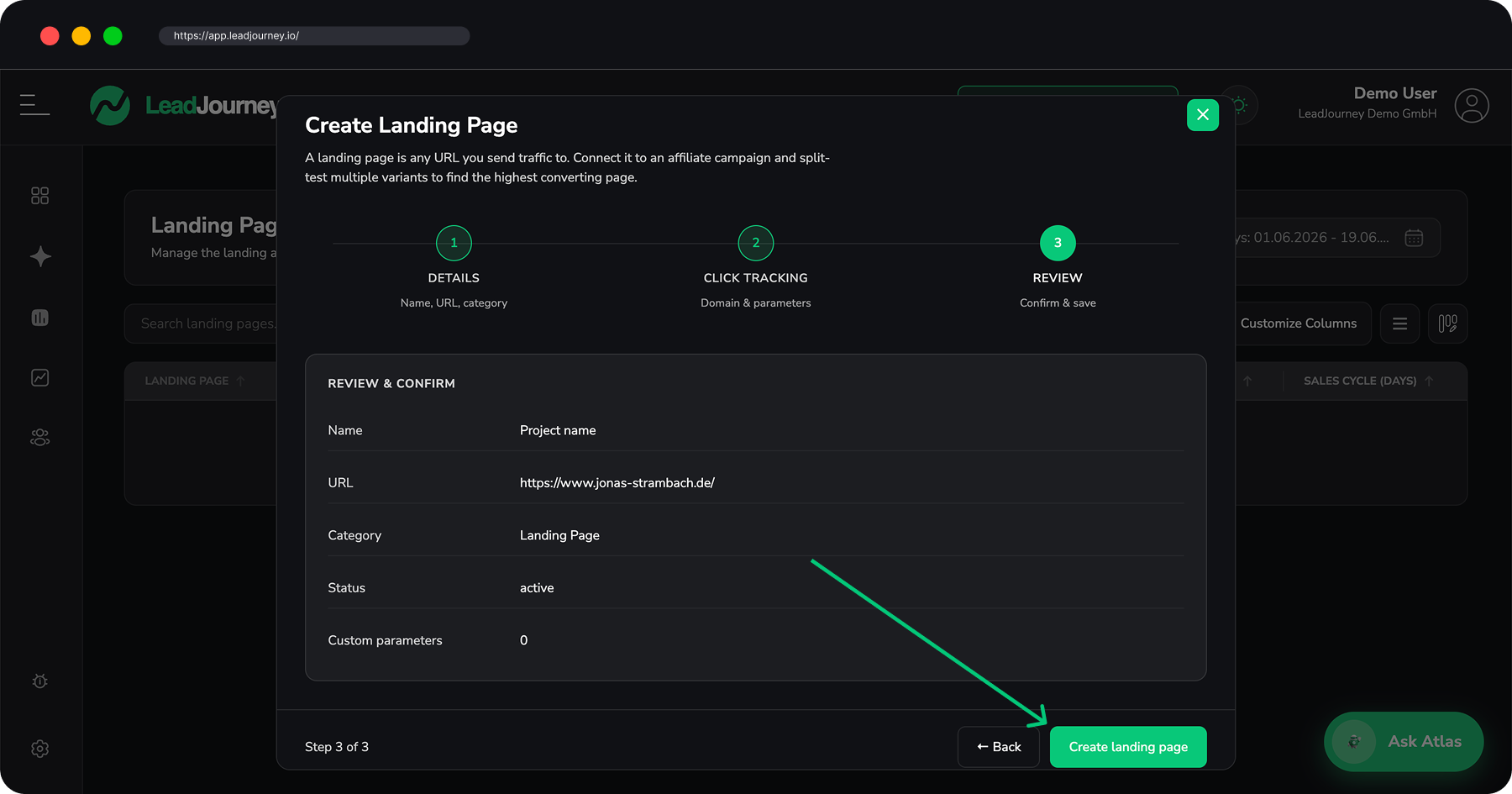
The wizard has three steps:
Details
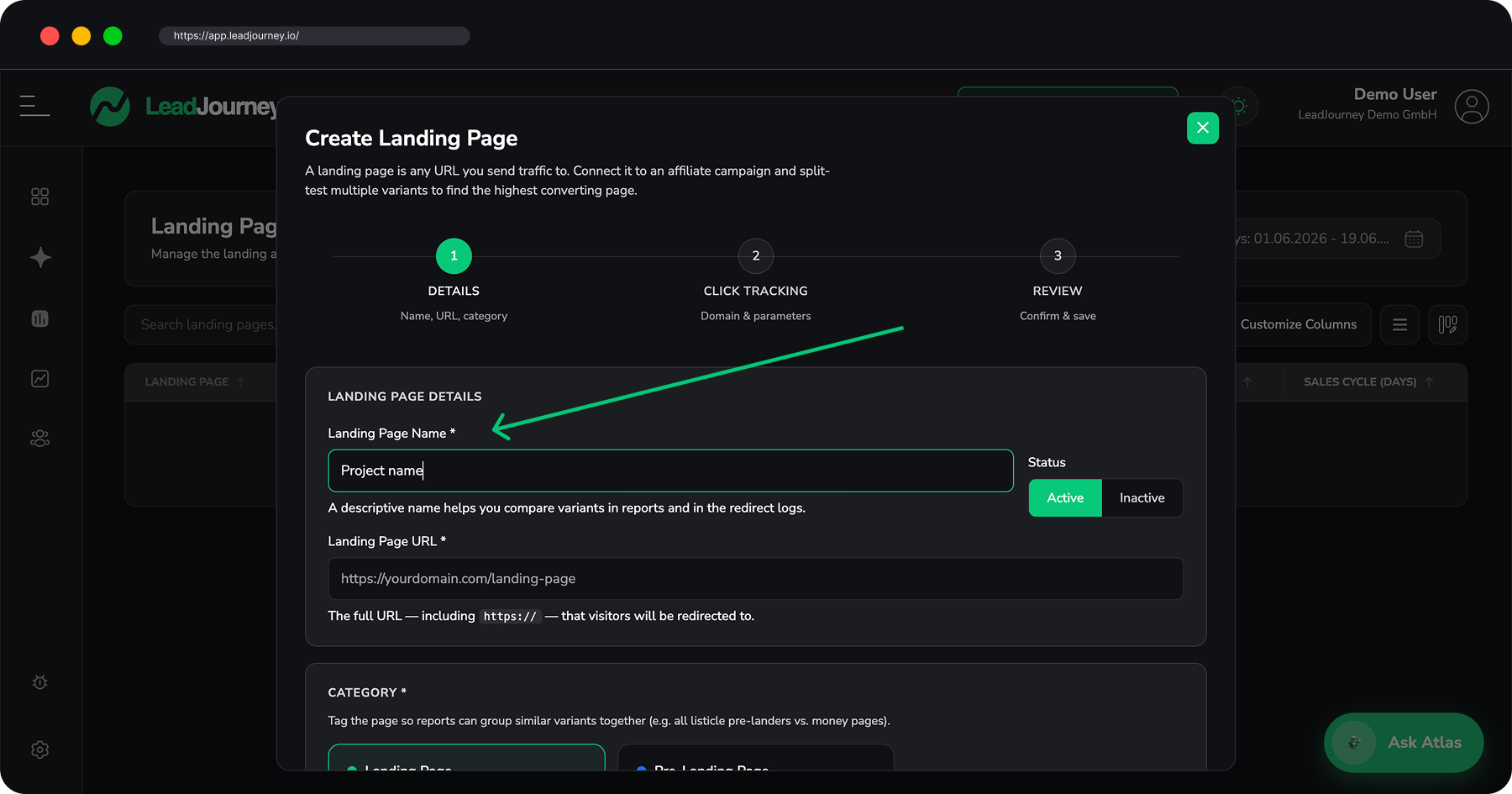
Give the page a name (e.g. Weightloss — VSL v3), set its status, and paste the full
URL (including https://) that visitors are redirected to. Pick a category:
- Landing Page – a regular money page where the offer is sold or the lead form lives.
- Pre-Landing Page – a bridge / advertorial that warms the visitor up before the offer.
Add an optional description with notes about the variant.
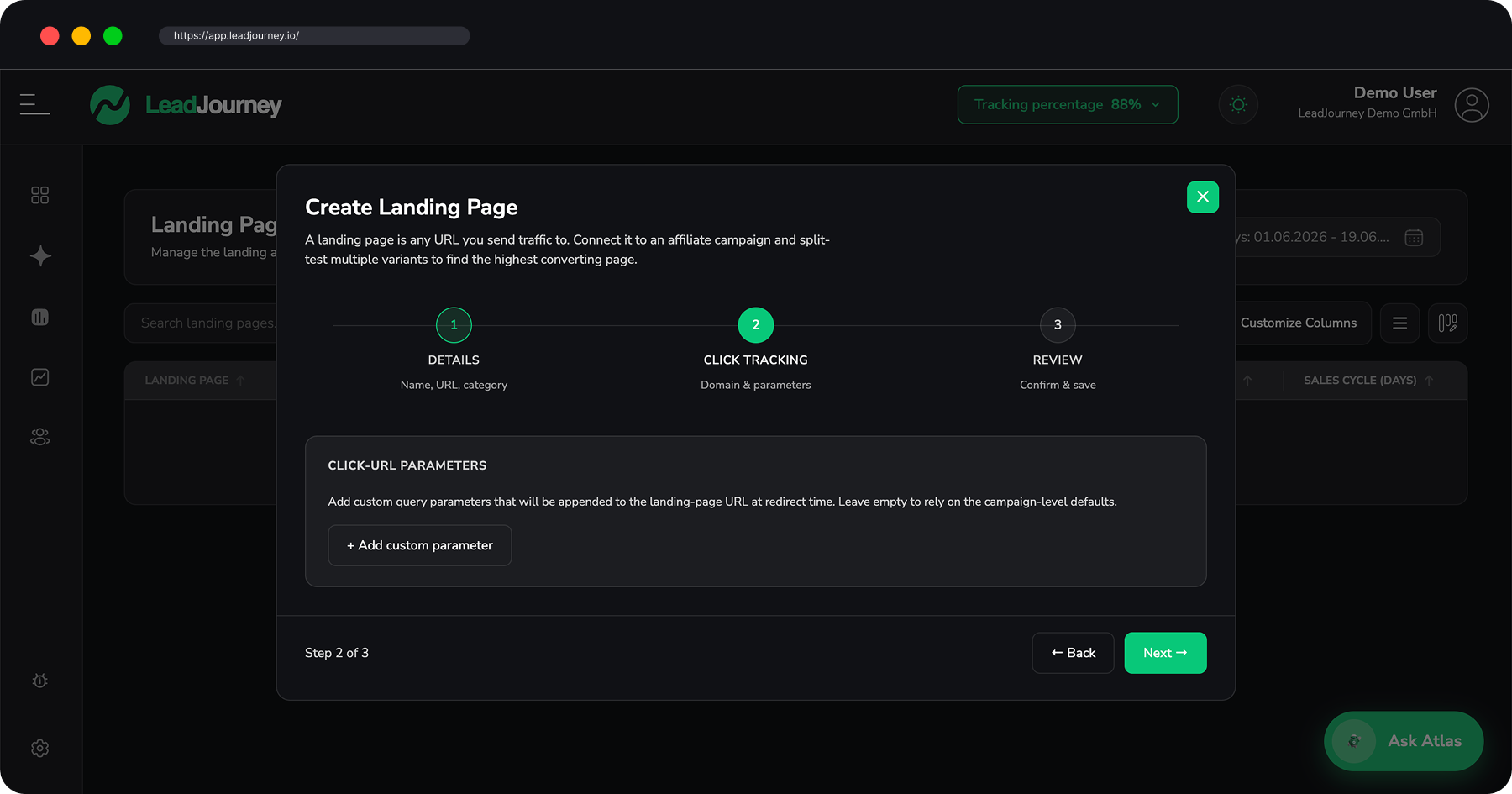
Click Tracking
Add any custom query parameters to append to the landing-page URL at redirect time. Leave it empty to rely on the campaign-level defaults.
Split-testing pages
Connect pages to a campaign in its Funnel & Pages step and give each a weight – the weights must sum to 100. LeadJourney then routes that share of traffic to each page, so you can compare which variant converts best. See Affiliate Campaigns.
Landing pages as a report
The Landing Pages tab is also a report, showing how each page converts. For conversion across all your traffic – not just affiliate – see the Landing Page Report.
Related articles
Affiliate Campaigns
Create the click-tracked links you actually advertise – pick a tracking method and verified domain, choose the offer and split traffic across landing pages, then copy one ready-made redirect URL per traffic channel.
Track your full SaaS funnel (sign-up → trial → purchase)
The complete guide for SaaS products – attribute every stage of your lifecycle back to the ad, post or email that earned it. Track demo calls and free sign-ups, then Trial Started, Trial Ended and the paid Purchase. Purchases come in automatically through Stripe; the in-product milestones are sent with a tiny server route. The key idea: capture the click ID once at sign-up and replay it on every later event.