Affiliate
Affiliate Networks
Add the affiliate networks that pay you commissions – start from a ready-made template (Clickbank, CJ, Impact.com, Digistore24) or build a custom one, and map each network's postback macros to LeadJourney fields.
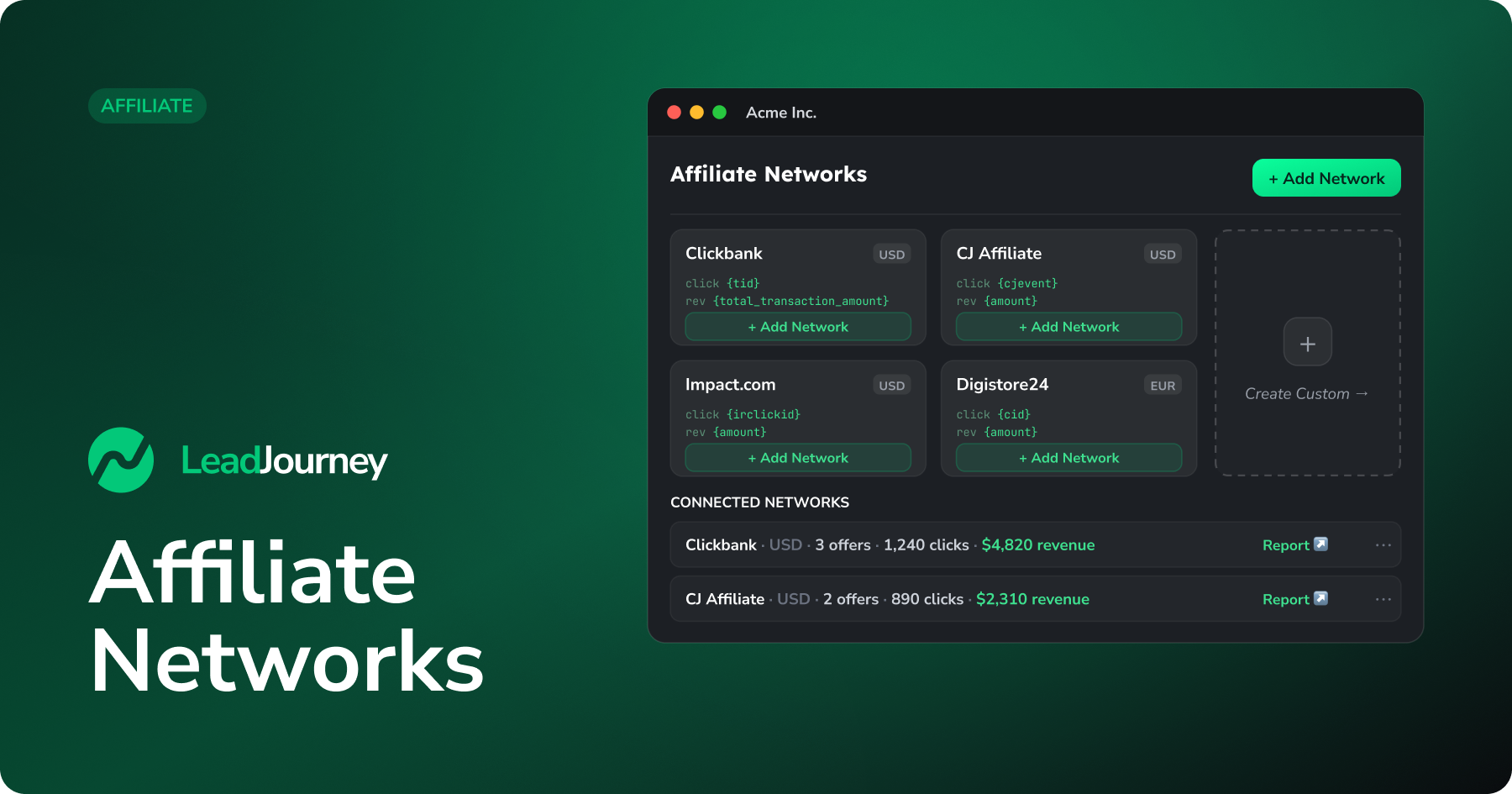
An affiliate network is whoever pays you a commission – Clickbank, CJ Affiliate, Impact.com, Digistore24 or any custom partner. Adding it tells LeadJourney how to read that network's postback (the message that says a sale happened): which value is the click ID, which is the revenue, and so on.
New to affiliate tracking?
Networks are the first of four building blocks. For how networks, offers, campaigns and landing pages fit together, see Affiliate tracking; for the end-to-end setup, follow the Affiliate setup guide.
Where to find it
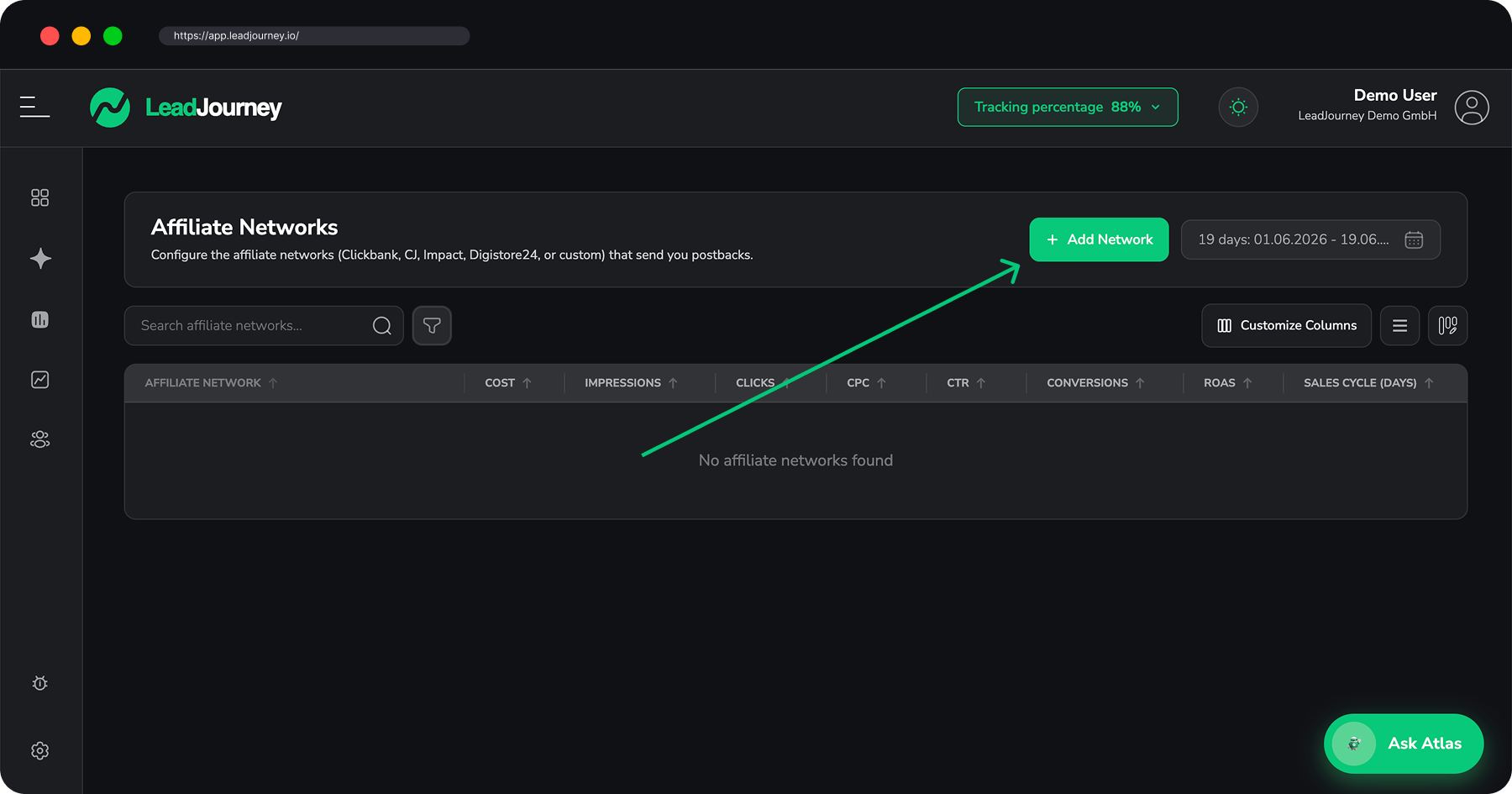
Open Affiliate → Networks in the sidebar, or go to app.leadjourney.io/?slug=affiliate-networks. Click + Add Network to open the library.
Start from a template
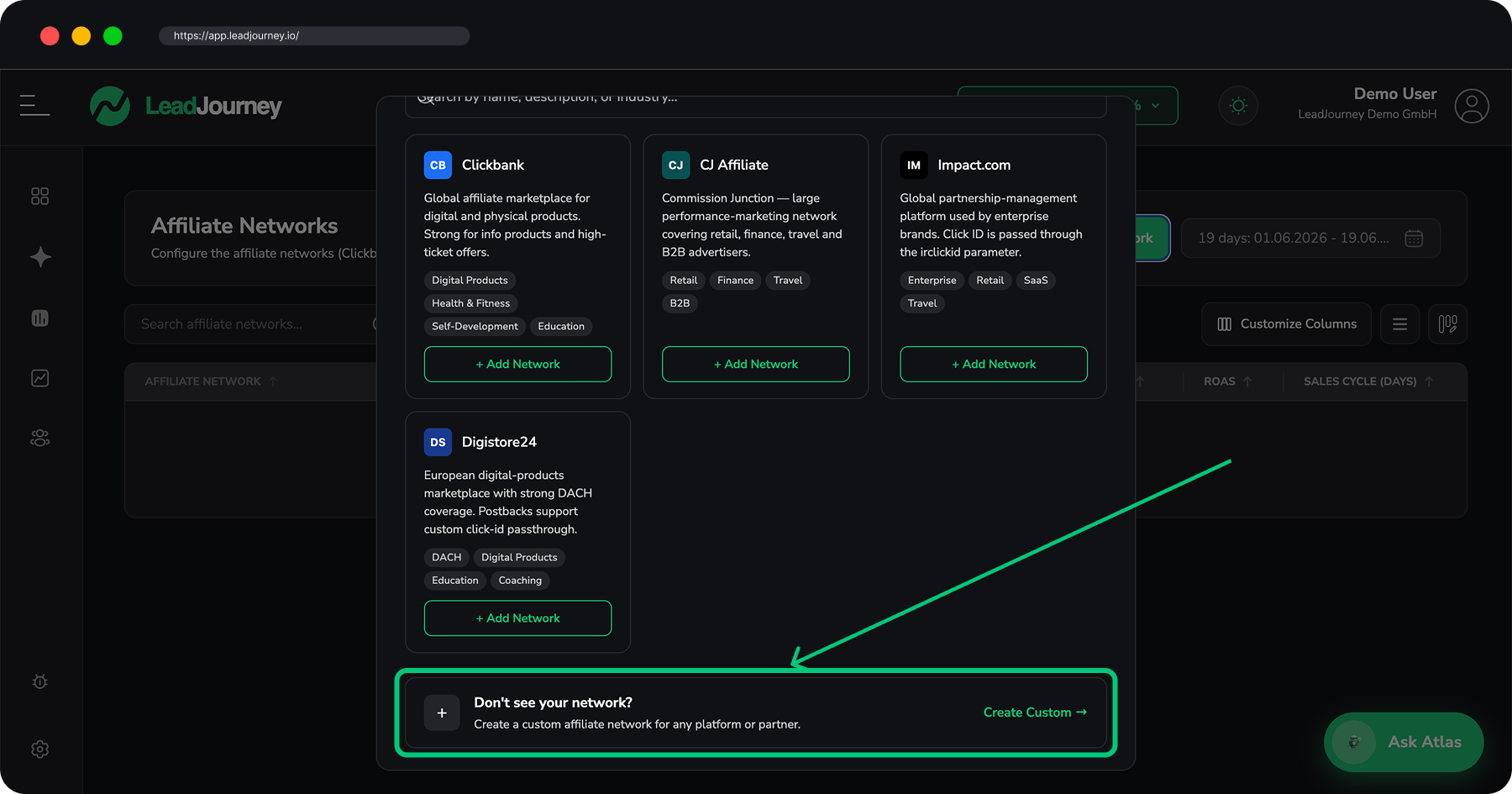
The library ships with four ready-made networks, each pre-filled with that platform's postback macros. Click + Add Network on a card and it's created instantly – no wizard:
| Network | Default currency | Click ID | Revenue |
|---|---|---|---|
| Clickbank | USD | {tid} | {total_transaction_amount} |
| CJ Affiliate | USD | {cjevent} | {amount} |
| Impact.com | USD | {irclickid} | {amount} |
| Digistore24 | EUR | {cid} | {amount_affiliate} |
Don't see your network? Click Create Custom →.
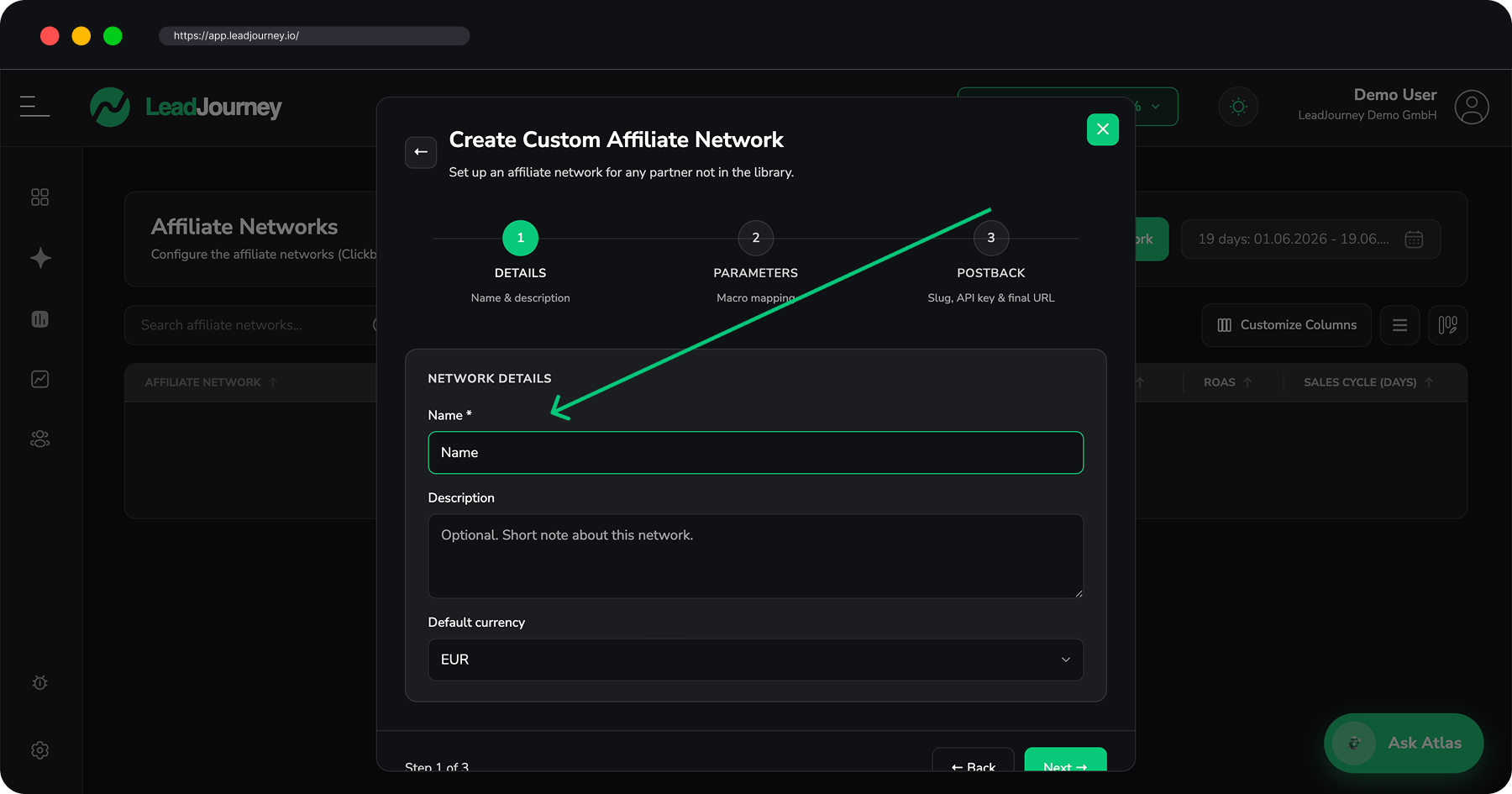
Create a custom network
The custom wizard has three steps:
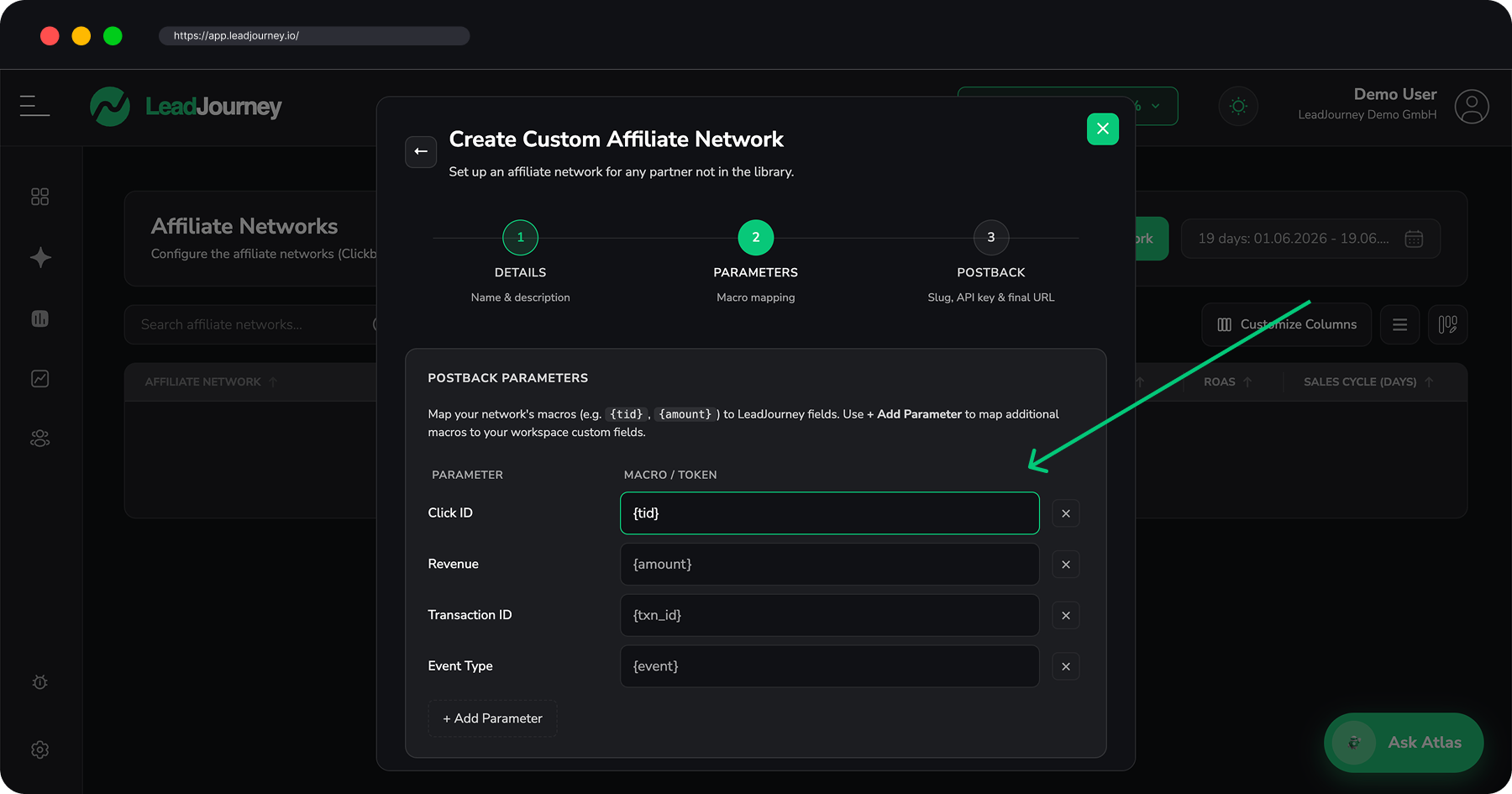
Parameters
Map the network's macros to LeadJourney fields. Four standard parameters are available – Click
ID (e.g. {tid}), Revenue (e.g. {amount}), Transaction ID (e.g. {txn_id}) and
Event Type (e.g. {event}). Use + Add Parameter to map additional macros onto your
workspace custom fields, or create a new custom field inline.
Postback
A short guide to wiring up the postback. The endpoint itself is configured once for the
workspace under Settings → Events, not per network – you paste that URL into your network's
account-level postback field and append the macros you mapped here, e.g.
?click_id={tid}&product_name={product_name}.
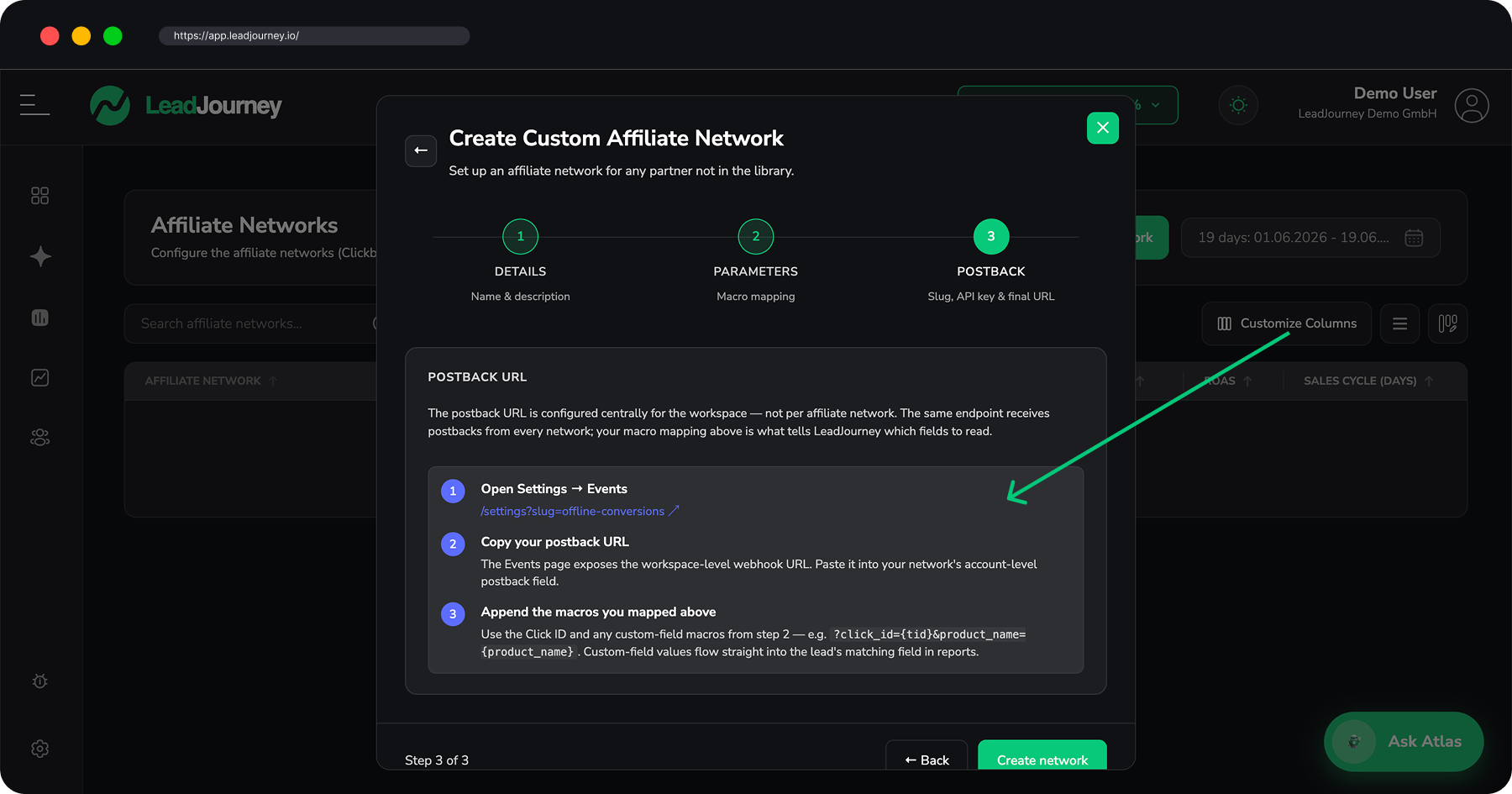
One postback URL for the whole workspace
The postback endpoint lives under Settings → Events and is
shared by every network. Your macro mapping here is what tells LeadJourney which value is the
click ID, which is revenue, and so on. The lj_click_id is what matches a commission back to the
exact click – see How attribution works.
Networks as a report
The Networks tab is also a report: each row shows clicks, leads, won clients, revenue and ROAS for that network, and expands by traffic channel. Once postbacks are flowing, commission revenue feeds straight into ROAS, ROI and profit per network.
Related articles
Affiliate
LeadJourney for affiliate marketers – match every click you pay for to the commission the network pays back, and see true ROI per campaign, offer and network. Start here, then set up the four building blocks below.
Affiliate Offers
Manage the partner offers you promote – paste the affiliate link, set a default commission revenue, connect a network, and control the tracking parameters LeadJourney appends to your link.