Integrations
API access & tokens
Create a personal API token to connect external tools like Zapier to LeadJourney. Generate, copy and revoke tokens, and find your API base URL.
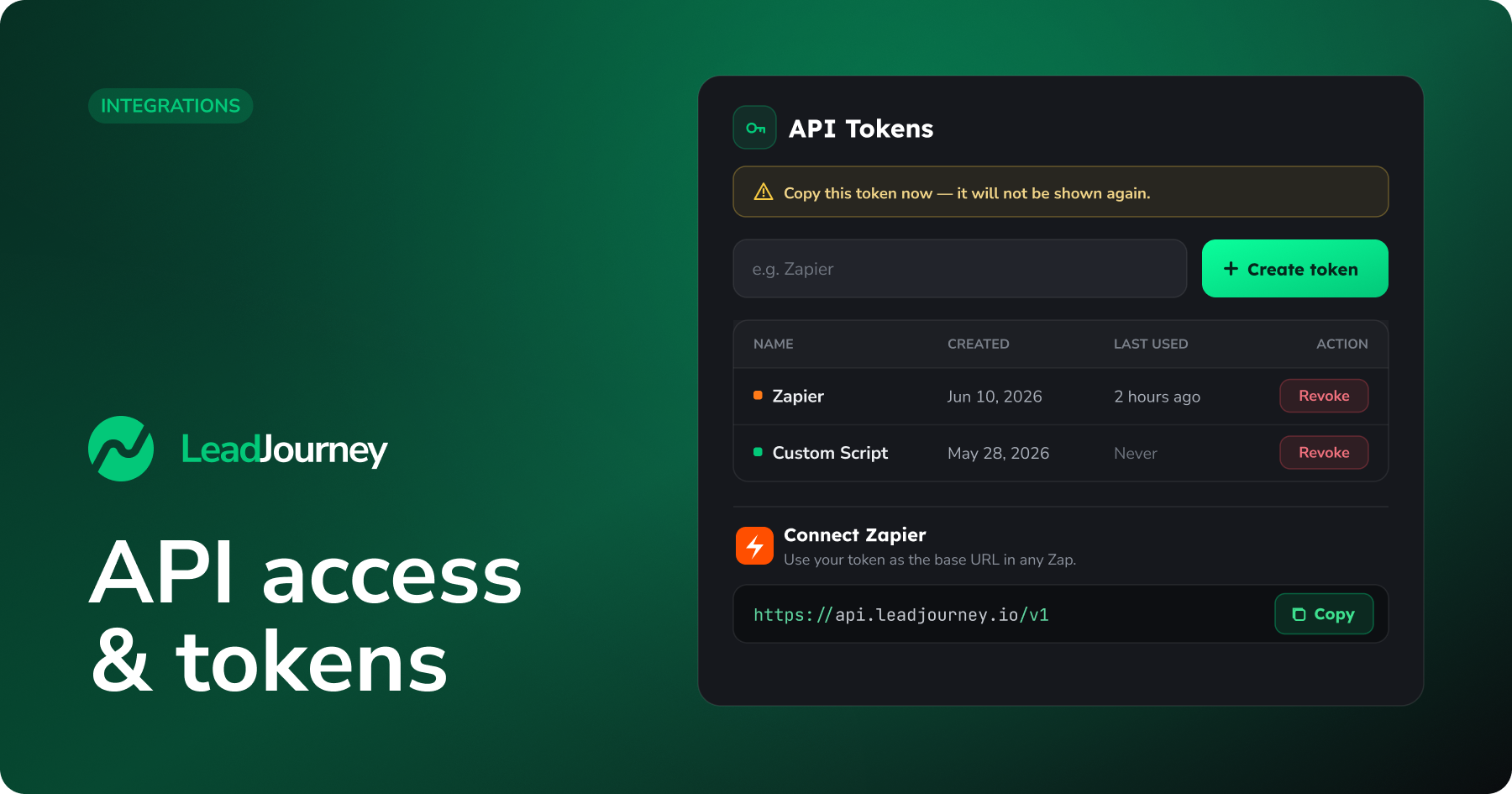
Need to connect LeadJourney to an outside tool – Zapier, a custom script, or your own integration? You create an API token that authenticates as your account, then use it with the LeadJourney API.
Where to find it
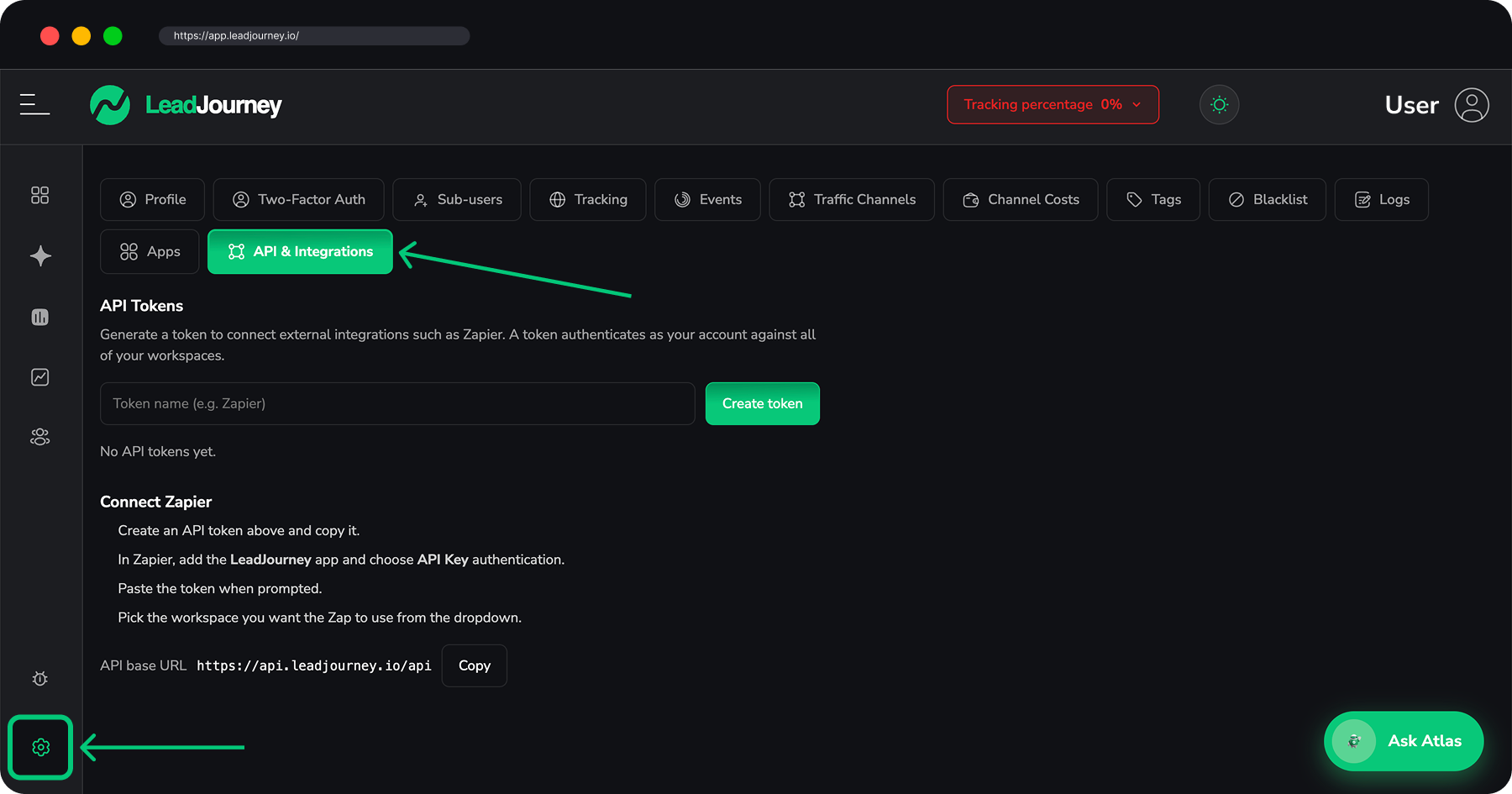
Open Settings → API Integrations, or go to app.leadjourney.io/settings?slug=api-integrations. The page has two parts: API Tokens and a Connect Zapier guide.
What a token can access
"A token authenticates as your account against all of your workspaces." Treat it like a password – anyone with the token has your level of access.
Create a token
Name it
Under API Tokens, type a recognisable name in the Token name box (e.g. Zapier) so you
can tell your tokens apart later.
Generate
Click Create token. The token is shown once – "Copy this token now — it will not be shown again." Click Copy, paste it into the tool you're connecting, then click Done.
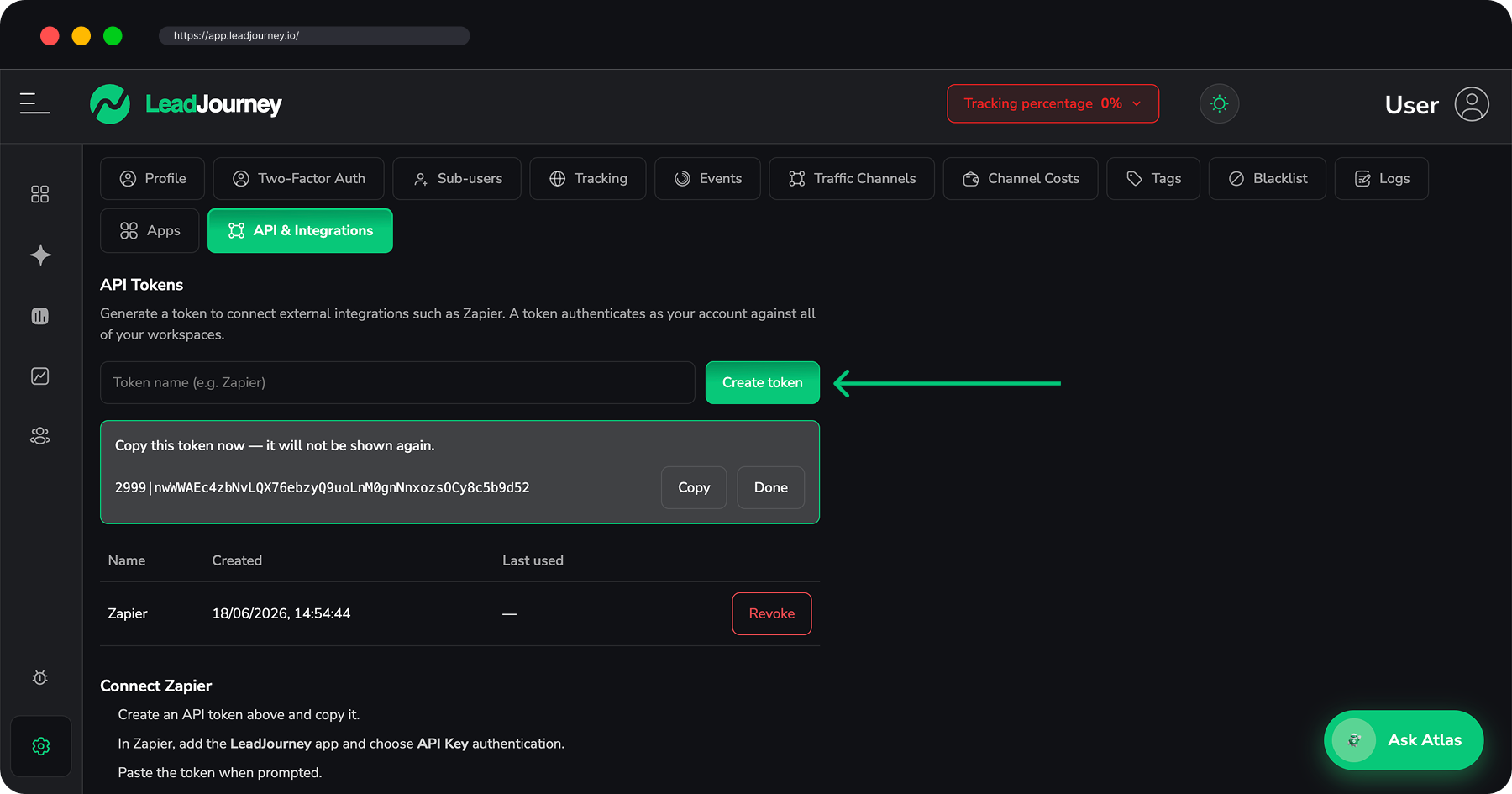
Each token in the list shows its Name, when it was Created, and when it was Last used.
Revoke a token
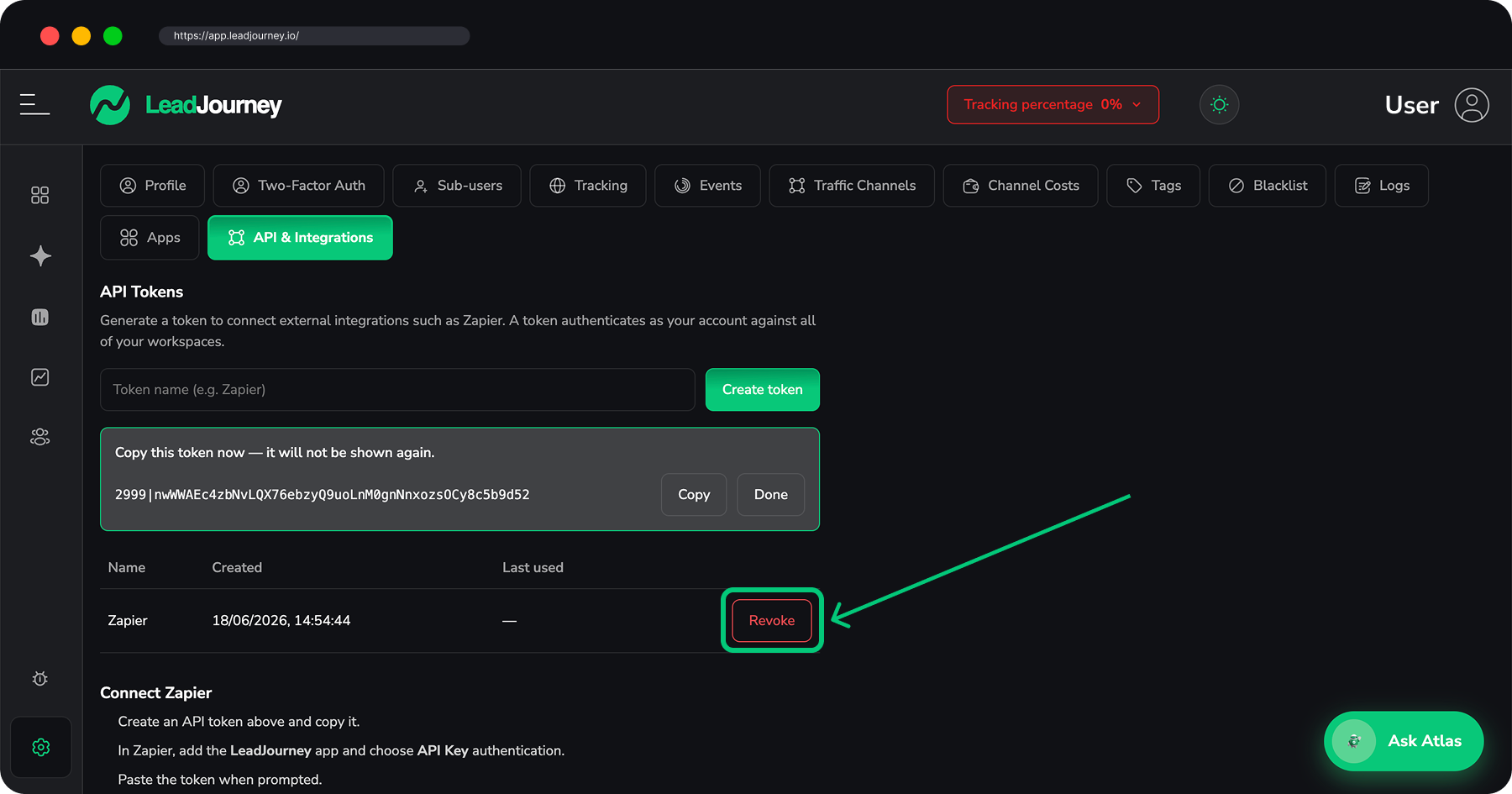
To turn a token off, click Revoke next to it and confirm – "Revoke token '…'? Any Zap using it will stop working." The token stops working immediately. Revoke any token that's no longer needed or might have leaked, and create a fresh one.
Connect Zapier
The Connect Zapier section walks you through linking your LeadJourney account to Zapier and shows your API base URL (with a Copy button) – the address your integration sends requests to.
Connecting AI tools instead?
To let Claude, Cursor or other AI clients query your data, use the Model Context Protocol rather than an API token – see Connect via MCP.
Related articles
Connect Multiple Ad Accounts
You're not limited to a single ad account. Connect as many Meta, Google, LinkedIn and Microsoft (Bing) ad accounts as you need – all from one login per platform.
Apps
Connect external apps so their events flow into LeadJourney as conversions, auto-attributed to the campaigns that drove them. CRMs like HubSpot, Salesforce and GoHighLevel, payments and shops, forms, booking tools, call tracking, webinars and a BigQuery export.