Integrations
Connect SevenRooms
Connect SevenRooms with the API credentials your venue group issues and turn reservations — new bookings, completions, cancellations and no-shows — into attributed conversions across every venue in the group.
Connecting SevenRooms turns reservations – new bookings, completions, cancellations and no-shows – into LeadJourney conversions, attributed to the campaign, ad set and ad that earned them.
What the connection covers
- 4 triggers: new bookings, completions, cancellations and no-shows.
- Every venue in the group is discovered automatically – one credential set, no per-venue setup.
- LeadJourney polls for new reservations every few minutes.
Before you start
- A SevenRooms Client ID and Client Secret – your account manager issues them (see step 1).
- Tracking is live – see Install the tracking script.
- At least one conversion type to map onto – see Events & the Events Manager.
Where to find it
Open Settings → Apps, or go to
app.leadjourney.io/settings?slug=apps, and click
the SevenRooms card (or use ?slug=apps&app=sevenrooms).
Step by step
Ask SevenRooms for API credentials
There's no self-service screen for this: ask your SevenRooms account manager for an API credential set. The credentials are scoped to your venue group.
Paste them into LeadJourney
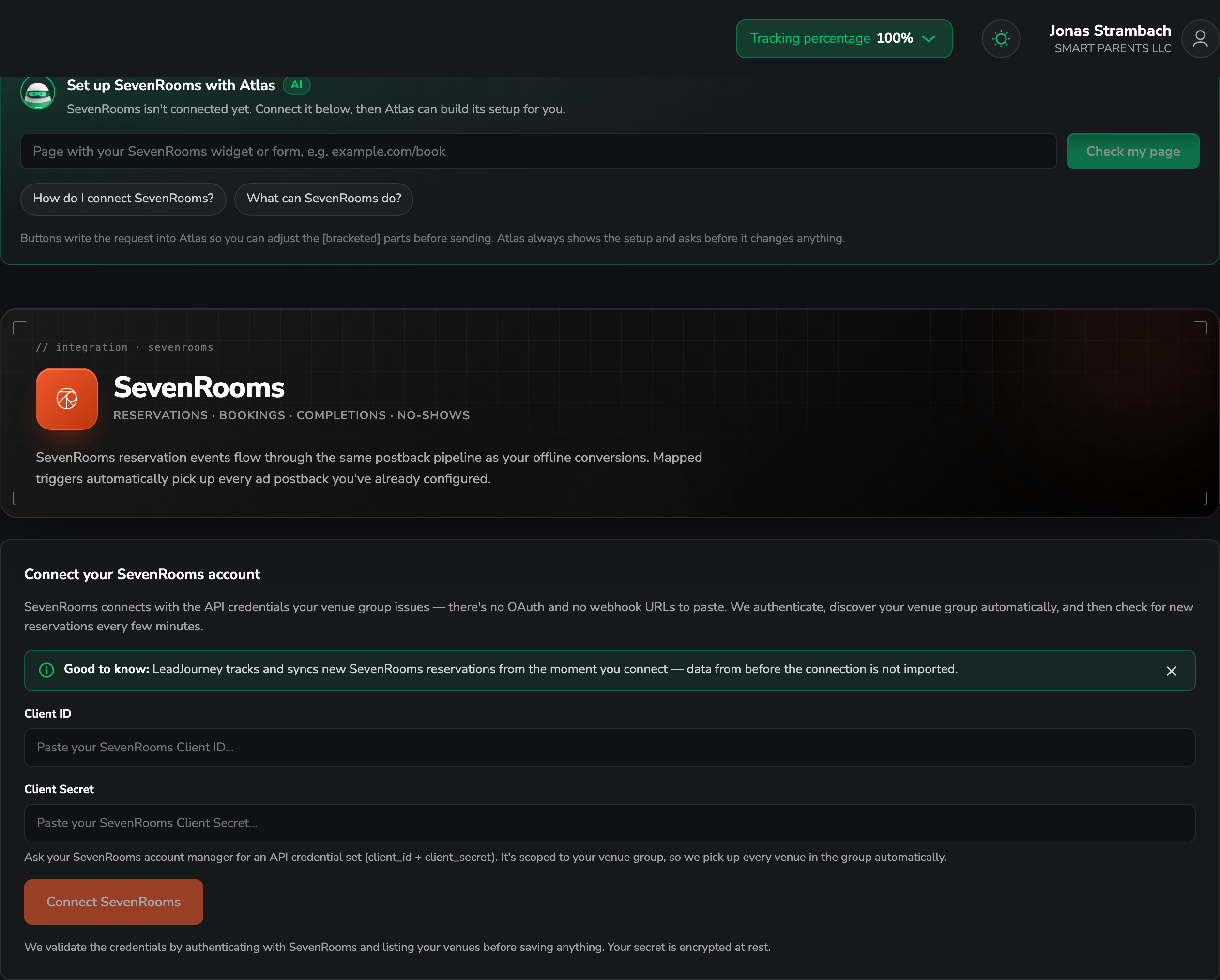
On the Connect your SevenRooms account card, paste the Client ID and Client Secret and connect. There's no OAuth and no webhook URL to paste back.
LeadJourney validates the credentials by authenticating and listing your venues before saving anything, and stores the secret encrypted at rest.
Add a trigger
In the Triggers panel, click Add trigger, pick the LeadJourney Event the reservation
should record (e.g. a completed booking as WonClient), then the SevenRooms event that fires it.
Go through Receive Data, Configure Mapping – Email, Name, First name, Last name, Phone, click_id, Revenue and Currency, plus your custom fields – and Filtering (optional), then Save & Continue.
Filter by venue
With several venues in the group, use the Filtering tab to keep a trigger to one venue – or leave it open and report on all of them together.
Reservations arrive within a few minutes
LeadJourney polls SevenRooms rather than receiving webhooks, checking for new reservations every few minutes. A short delay is normal.
Troubleshooting
The credentials are rejected
LeadJourney authenticates and lists your venues before saving, so a rejection means the pair itself isn't valid for that venue group. Ask your account manager to confirm the credential set.
A venue is missing
Venues are discovered from the credentials' venue group. A venue outside that group needs its own credential set.
Reservations arrive but aren't attributed to a campaign
Guests who book through your website need the click ID carried into the reservation and mapped to click_id on the trigger. Email and phone are the fallback – see Missing leads.
Common questions
Related articles
Apps overview
How the Apps page works and what else you can connect.
Events & the Events Manager
Define the conversion types your SevenRooms triggers map onto.
Read and store the click ID
Carry the click ID from your booking page into the reservation.
Connect WriteUpp
The same polling setup for clinic bookings.
Connect Patch Retention
Connect Patch Retention with an API token, turn purchases, check-ins, bookings and form submissions into attributed conversions, and push LeadJourney guests and events back into Patch.
Connect WriteUpp
Connect your WriteUpp site with an API key and attribute clinic activity — new patients, online bookings, attendance and paid invoices — back to the ad click that produced it. Read-only, and region-aware.