Integrations
Connect Eventbrite
Authorize Eventbrite once and turn ticket orders, refunds and door check-ins into attributed conversions. LeadJourney registers the webhooks for you and never changes your events or tickets.
Connecting Eventbrite turns ticket orders, refunds and door check-ins into LeadJourney conversions, attributed to the campaign, ad set and ad that earned them.
What the connection covers
- 4 triggers across orders, refunds and attendee check-ins.
- Webhooks are registered for you on your Eventbrite organization — nothing to set up in Eventbrite.
- Read-only: LeadJourney reads orders and attendees and manages its own webhooks. It never changes your events or tickets.
Before you start
- An Eventbrite account you can sign in to.
- Tracking is live — see Install the tracking script.
- At least one conversion type to map onto — see Events & the Events Manager.
Where to find it
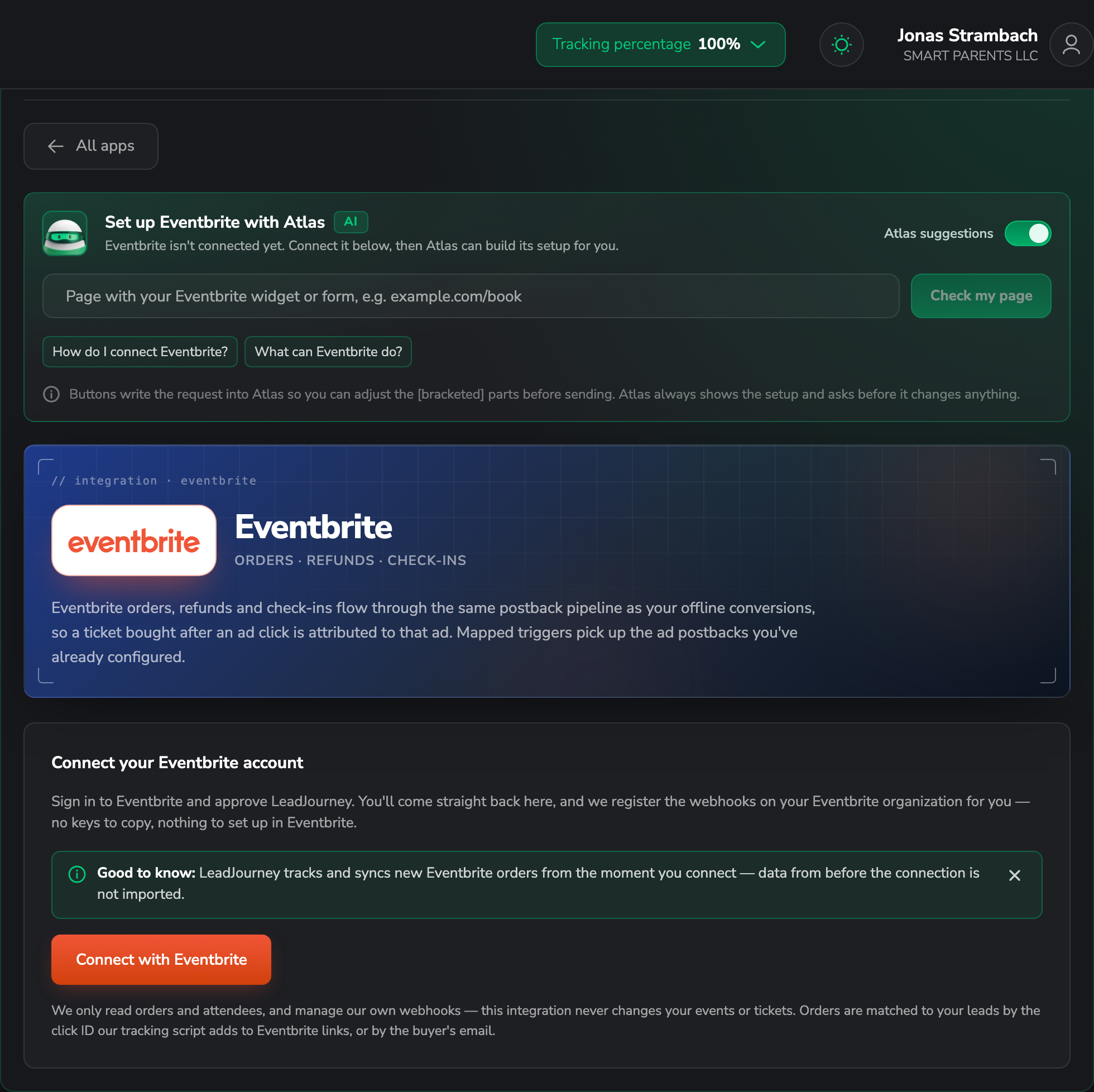
Open Settings → Apps, or go to
app.leadjourney.io/settings?slug=apps, and click
the Eventbrite card (or use ?slug=apps&app=eventbrite).
Step by step
Authorize LeadJourney from Eventbrite
On the Connect your Eventbrite account card, click Connect with Eventbrite, sign in and approve. You come straight back, and LeadJourney registers the webhooks on your organization.
Make your Eventbrite links carry the click ID
Orders are matched to your leads by the click ID the tracking script adds to Eventbrite links. So link to your Eventbrite page from your own tracked site, rather than sending people to Eventbrite directly from an ad — otherwise there's no click to match against.
Without a click ID, LeadJourney falls back to matching on the buyer's email — see Read and store the click ID.
Add a trigger
In the Triggers panel, click Add trigger, pick the LeadJourney Event the Eventbrite
event should record (e.g. Purchase), then the Eventbrite event that fires it.
Go through Receive Data, Configure Mapping — Email, Name, Phone, click_id, Revenue and Currency, plus your custom fields — and Filtering (optional), then Save & Continue.
Troubleshooting
Orders arrive but aren't attributed
The link people followed to Eventbrite didn't carry a click ID. Link to the event page from your own tracked pages so the script can add it; email matching is the fallback — see Missing leads.
Nothing arrives at all
The webhooks are registered automatically, so check the simpler things: the order happened after you connected, and the event belongs to the organization you authorized.
Common questions
Related articles
Connect Ticket Tailor
Connect a Ticket Tailor box office with an API key and turn ticket orders, issued tickets, memberships and waitlist signups into attributed conversions — attribution comes free from the ?ref= on your checkout links.
Connect Luma
Connect a Luma calendar with an API key — LeadJourney registers the webhook for you. Registrations, ticket purchases and calendar subscribers become attributed conversions, and attribution works off Luma's UTM parameters.